
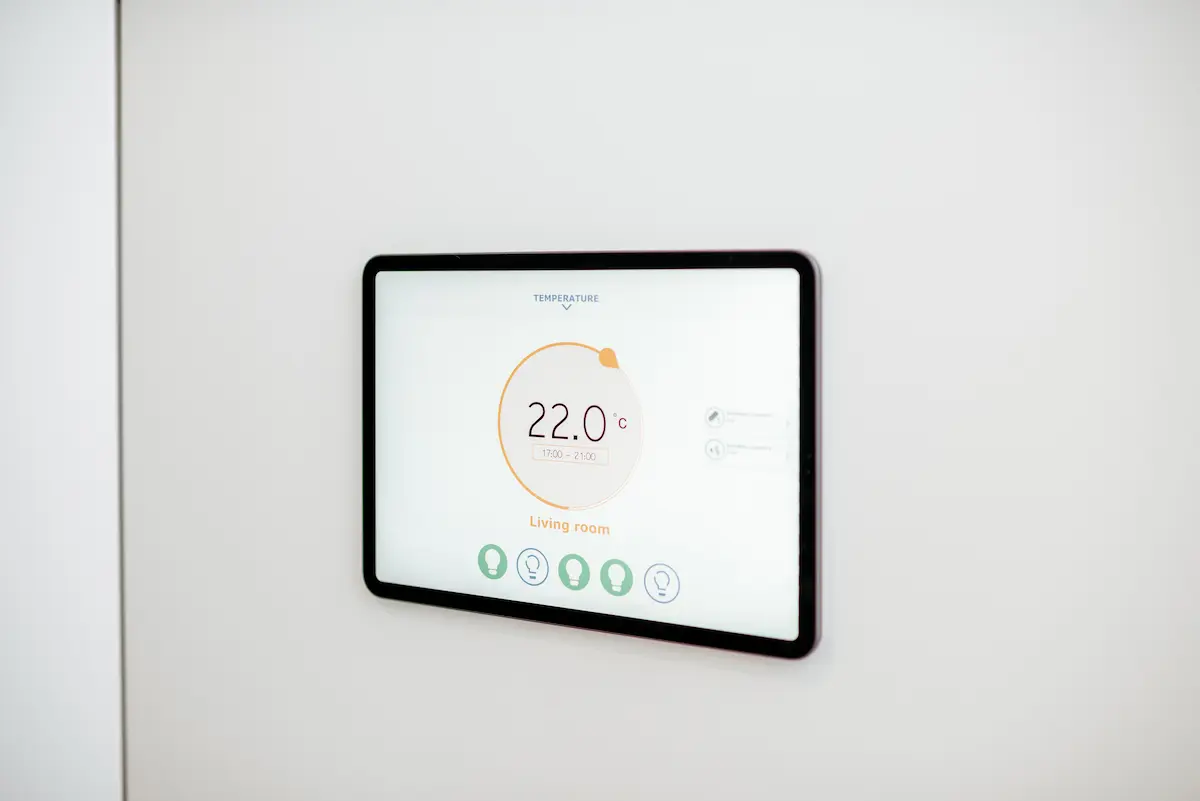
If you are committed to efficient consumption, knowing how to program a digital thermostat is very important because, in addition to improving the comfort in your home, you will save on your bill. Therefore, today we explain step by step how to program it, both for heating and air conditioning. Let’s see how to do it.
The most important thing about a programmable digital thermostat
First of all, we want to emphasize what makes a programmable digital thermostat special, and that is that this device allows you to set different times and temperatures depending on the time of day and even the week. Therefore, you can have the heating or air conditioning on just before getting up, or turn it off automatically when you leave the house.
The energy savings you get with this is obvious, because you avoid unnecessary use of heating if you do not need it. In addition, you adapt the temperature to your routine, something that is easy to do thanks to its intelligent automation and, in fact, many models can be programmed from a mobile app or with an assistant such as Alexa. Finally, it is important to remember that lower consumption means less environmental impact and fewer emissions.
How to program the thermostat
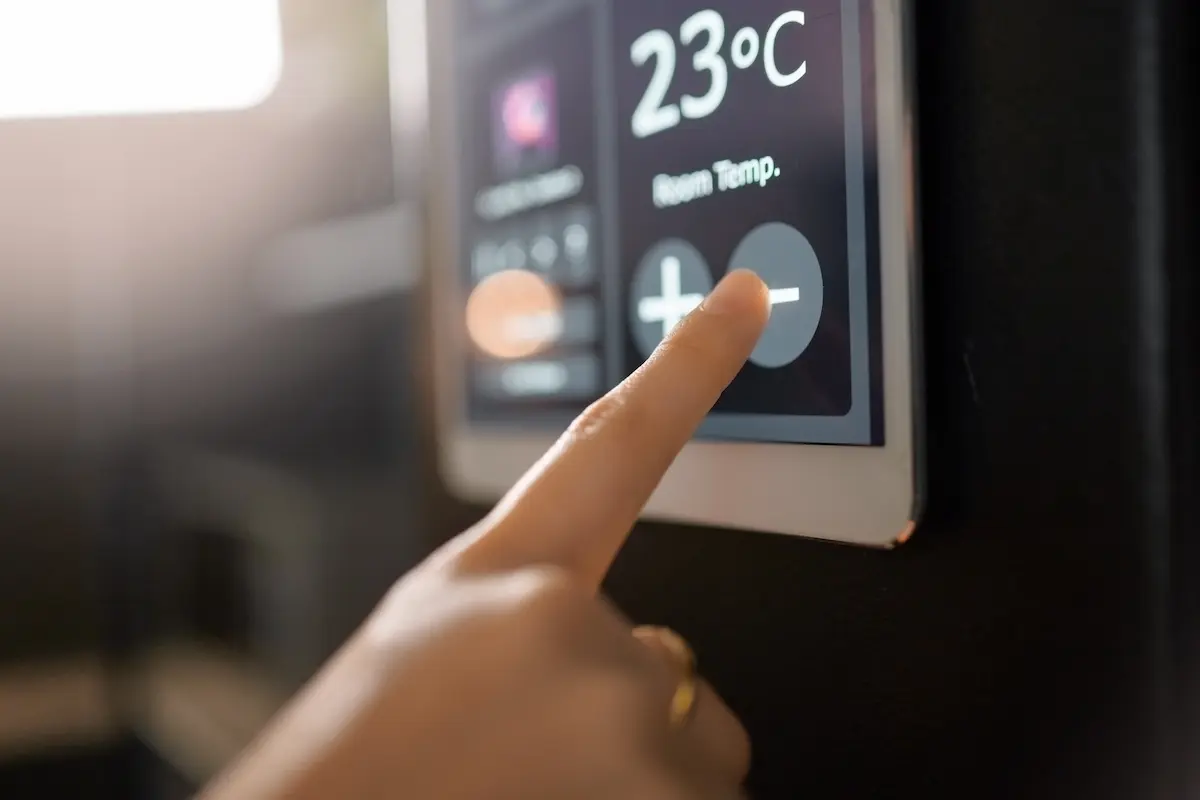
Now, we explain step by step how to program your digital thermostat because, although the interface may vary a little depending on the brand (Honeywell, Baxi, Ferroli…), the principles will be the same. However, before following this step by step, I recommend you to check if it has a mobile application, because from the app, it is all very intuitive and you will program it in a very short time. If you do not have the app, follow these 5 steps.
Access the programming menu
Most digital thermostats have a key labeled “SET“, “PROG“, or a clock or calendar icon. When you press it, you enter programming mode. If you don’t see it, try the up/down arrows. On some models, you will have to press and hold the power or setup button for several seconds to access it, so keep testing because it will be one of these 3 options. If you have doubts, they also usually come with a manual that can help you find this button.
Select program
You can choose between two modes, daily or weekly. With the daily program (24h), you define the same settings for every day. If you choose the weekly program (7 days), you can program each day independently, which comes in handy if your routine changes between weekdays and weekends.
Which one is more worthwhile? The daily program is useful if you have a very regular routine. But weekly is usually the best option, as it allows for a more personalized setting. For example, you can set a lower temperature on weekdays when you are away and raise it on weekends, when you spend more time at home. Just looking at it from the energy efficiency point of view, the weekly program is usually more cost-effective.
3. Set the temperature
You can set the temperature you want for each time zone, and some models allow up to 6 time periods per day. An important fact for you: each degree you lower can mean up to 7% less consumption. We recommend you to save:
- Lower the temperature to about 18 ºC at night, you will sleep just as well and spend less.
- During the day, if you are at home, keep the temperature at 21 or 22 ºC.
- If you are away from home, set it to about 16ºC ( eco mode), as this will not cool your house too much.
4. Program on and off times
For us, this is the key, because if you only adjust the temperature, you will only save half of it. You also have to define when the system has to be on or off. Remember: the goal is not to heat or cool when you don’t need to.
When you enter the programming menu, you will see that you can set time slots usually divided into 2, 4 or up to 6 daily blocks. For each block you define the start time, the end time, and the temperature. The important thing to understand here is that the thermostat does not turn off like a switch, but you can program it so that at certain times the target temperature is so low (in heating) or so high (in air conditioning) that the system simply does not activate.
For example, if you set the temperature to 15 ºC between 09:00 and 17:00, the system will not turn on the heating unless the ambient temperature drops very low. The same happens if you set it to 28 ºC in cooling mode, it will only be activated if it is extremely hot. An example of weekly programming:
| Day | Time | Temperature |
|---|---|---|
| Monday to Friday | 06:30 – 08:00 | 20 ºC |
| 08:00 – 17:00 | 16 ºC (economy mode) | |
| 17:00 – 22:30 | 21 ºC | |
| 22:30 – 06:30 | 17 ºC (night mode) | |
| Saturday and Sunday | 08:00 – 23:00 | 21 ºC |
| 23:00 – 08:00 | 17 ºC (night mode) |
5. Save the programming
If you have already set all the days, times and temperatures, all you have to do is press the “OK”, “ENTER”, or “SAVE” button, depending on the model. Some thermostats auto-save after a few seconds of inactivity, but just in case save it yourself and don’t turn it off directly after you finish programming it because you may lose the settings.
Additional settings for configuring your digital thermostat
If you have a more advanced model, it may have some extra functionality that is worth knowing about:
- Presence or open window sensors, which detect if you are at home or if there are drafts and adjust operation automatically.
- Scenarios. You can have modes such as “vacation”, “weekend” or “work from home”, each with different settings.
- Remote control via app. With a mobile app you can modify the programming even if you are away, the best for last minute changes or if you have a second home.
- Voice assistants. Many home automation compatible thermostats allow integration with Alexa, Google Home or Apple HomeKit to adjust the temperature with voice commands.
- Extra: If your thermostat supports firmware upgrades, always keep it up to date to access security and functionality improvements.
How to regulate the heating thermostat to save money
Something that often happens is that many households turn on the heating to the maximum because they think it will heat up faster, but it is FALSE. A thermostat does not act like the accelerator of a car: it works like a switch that maintains the desired temperature. If you set it at 30 ºC, you will only spend more. You should also have good insulation or combine it with other measures, such as thermostatic valves or sensors, because it will improve energy efficiency. To save energy in heating with a digital thermostat:
- Do not exceed 23 ºC during the day.
- Use the eco or night mode between 15 and 16 ºC when you are away.
- Program schedules and do not leave it running all day and week.
- Take advantage of the sun’s natural warmth and close the blinds at night.
- If you have radiators, bleed the air at least once a year.
How to set the air conditioning thermostat (if separate)
Usually, they go together, but in some homes they still work separately, especially if you are using splits or an inverter system. Here are some tips that may help you:
- Activate the “cold” mode on your device.
- Access the programming menu (some models allow you to set time slots and temperature as for heating).
- Adjust the temperature: between 23 and 24 ºC in summer is sufficient. Each degree below increases consumption by 7-8%.
- Do not use the “Auto” mode if you do not understand it well, some systems activate heat if the temperature drops, which is inefficient.
- It is programmed to turn on 30 minutes before arrival and to turn off automatically at night so that it is not always on.
Something that can also help you is that, if your system has a dehumidifier function, you can use it to improve the thermal sensation without having to cool so much. As you can see, knowing how to program a digital thermostat is very important, because you will consume more responsibly and spend less. With the right settings, you will significantly reduce your energy costs and remember, every little change adds up.


